The live auction app that stays out of the way
AuctionQR helps you run a live, host-led auction from the browser. Create the auction, show a QR code, let guests bid from their phones, and export the results when the room is done.
Free to start
No registration
No app install
No bidder accounts
Works on phones
Create an auction free
Why AuctionQR is different
AuctionQR is not trying to be a donor CRM, ticketing system, marketplace, or heavy event platform. It focuses on the live auction moment: one host, one room, one lot at a time, with fast QR bidding and clear results.
No setup wall
Hosts can create an auction without signing up. Guests join without accounts, passwords, emails, or app-store downloads.
Built for the live room
The host dashboard, bidder phone page, and projector screen are designed to work together during a real event.
QR code joining
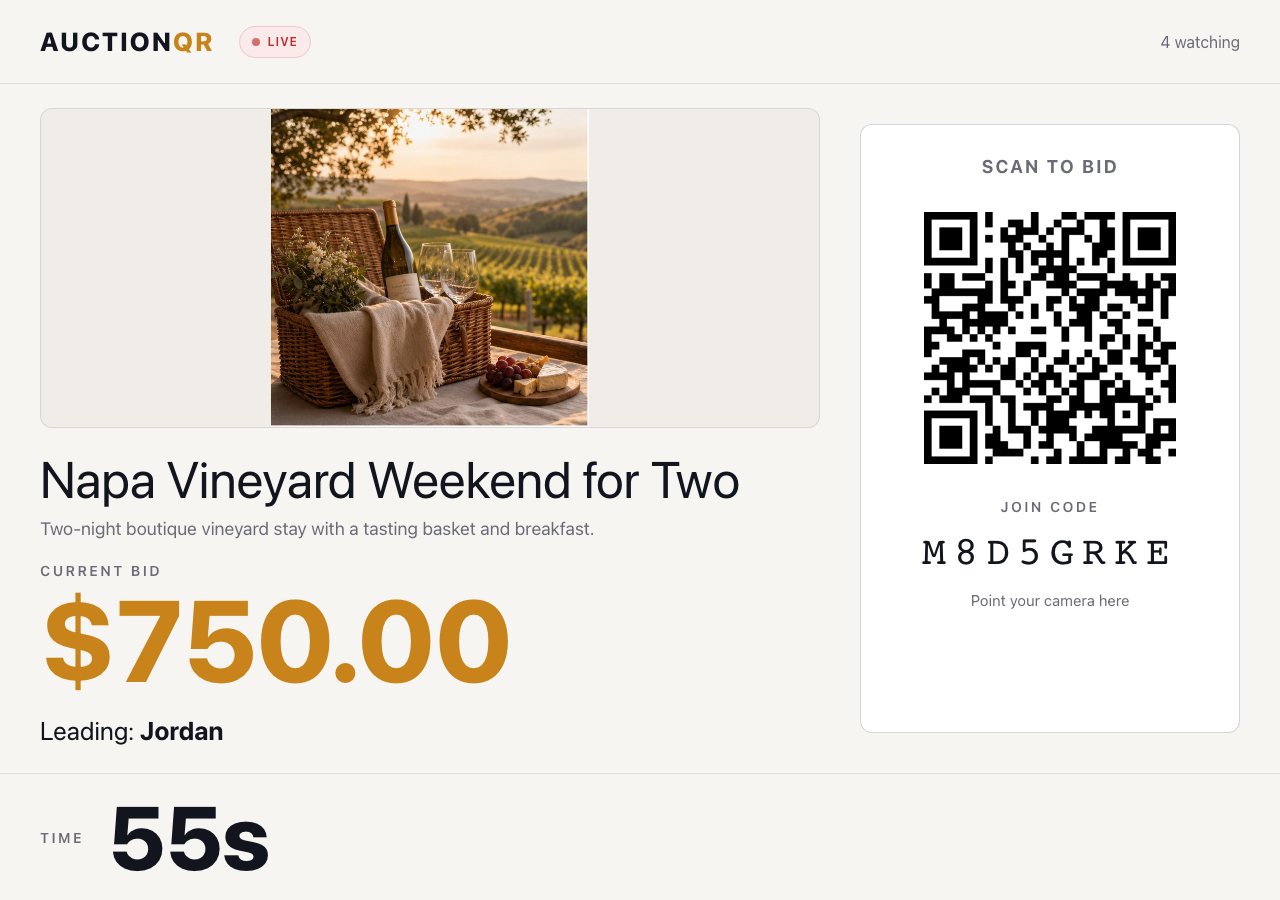
The big screen shows a QR code and auction code so late arrivals can join from their own phone in seconds.
Host stays in control
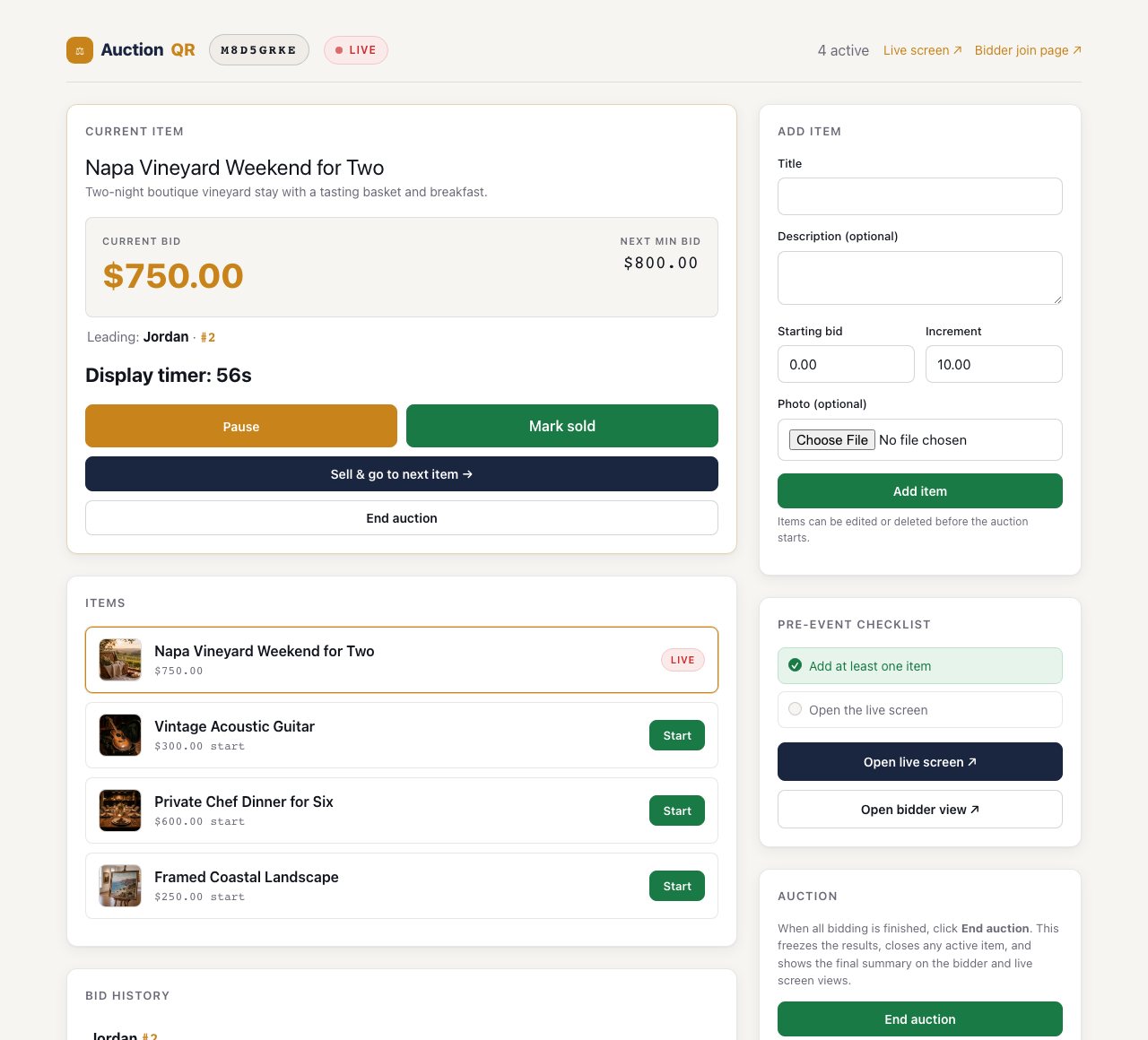
Start, pause, resume, sell, move to the next item, or end the auction from one dashboard.
Instant results
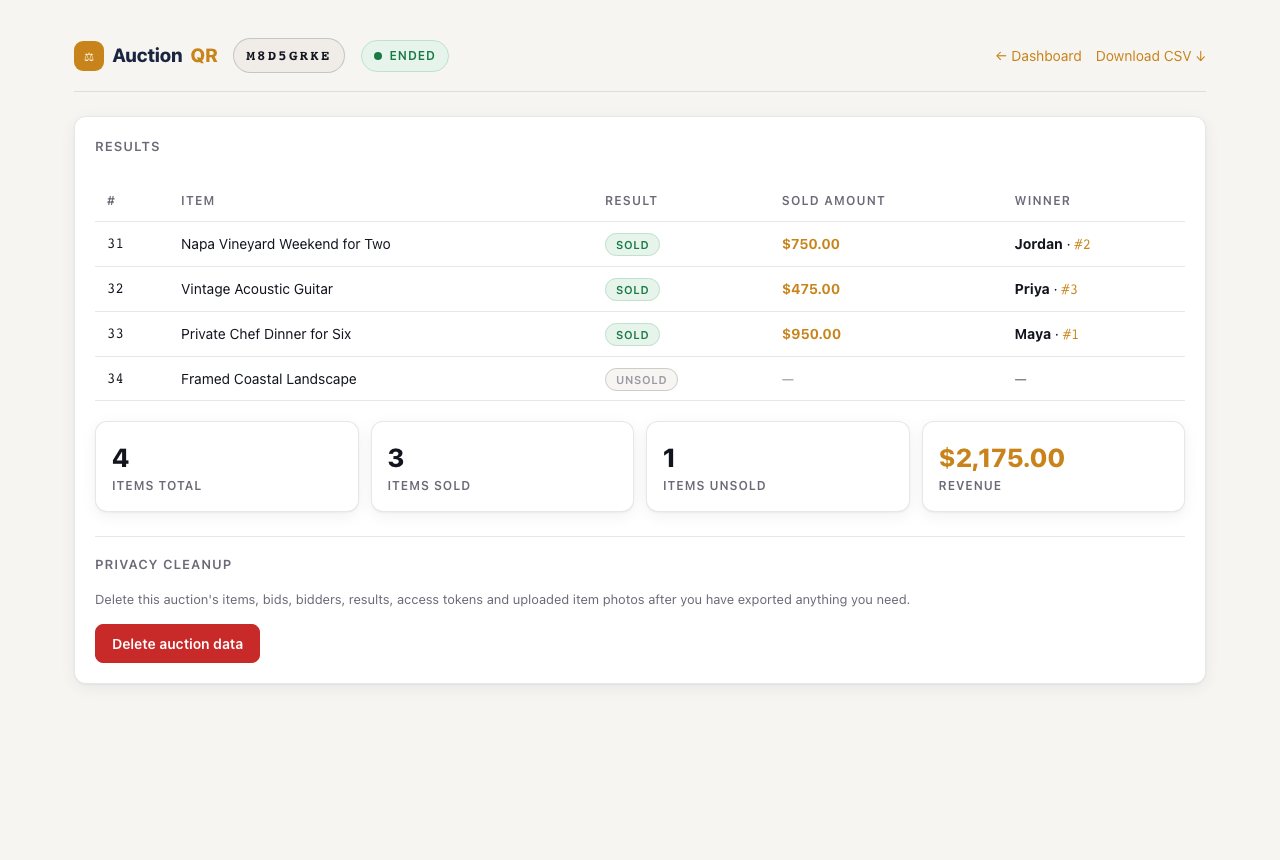
Winning bidders, sold amounts, unsold lots, total revenue, and CSV export are available as soon as the auction ends.
Privacy cleanup
After the event, the host can delete the auction data, bids, bidder records, access tokens, and uploaded item photos.
How to use AuctionQR
The whole workflow is browser-based. You can run it from a laptop for the host dashboard, a projector or TV for the live screen, and guests' own phones for bidding.
Step 1
Create your auction
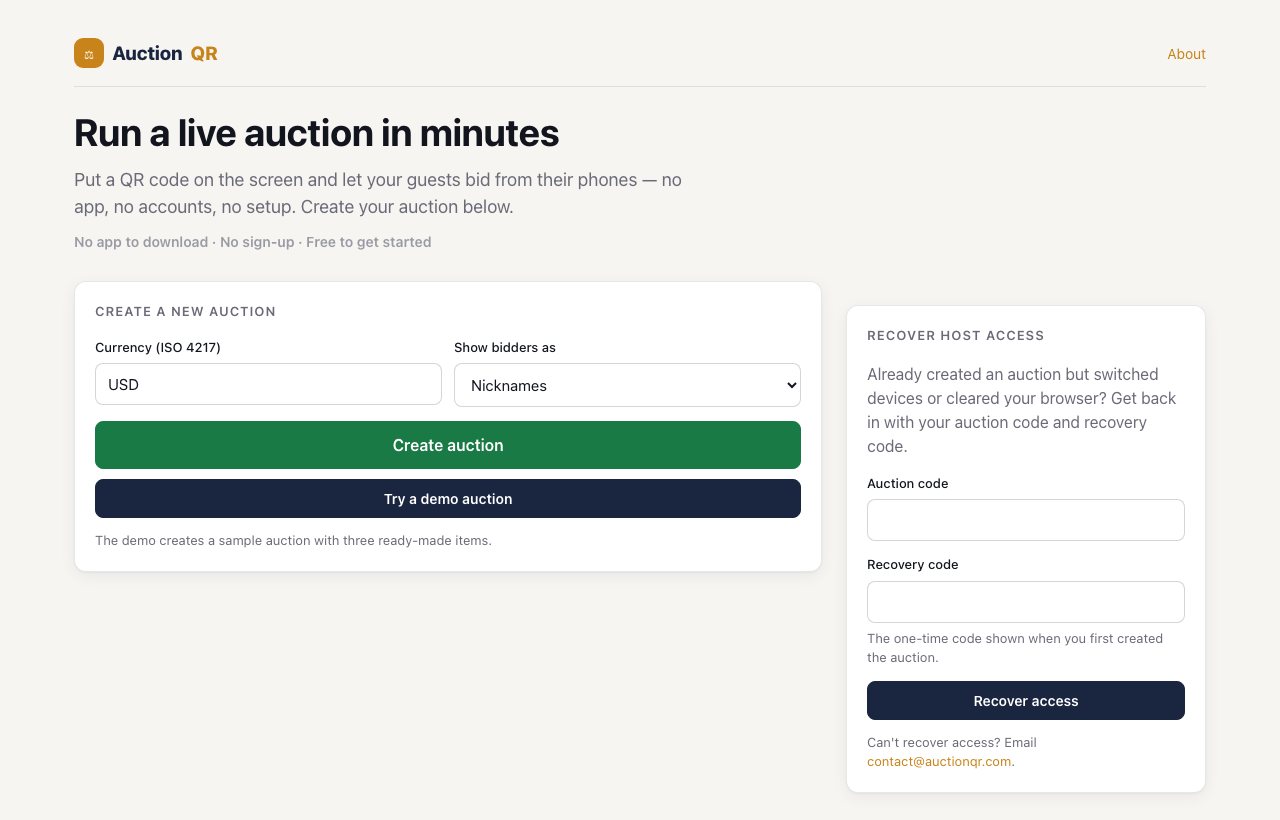
Choose the currency and how bidders should appear publicly. Click Create auction, or use the demo auction if you want to practice before a real event.
- No host account is required.
- A recovery code is shown once so you can regain host access later.
Step 2
Add items and run the auction
The host dashboard is the control room. Add lots with starting bids and increments, open the live screen, start an item, watch bids arrive, and mark the item sold when you are ready.
- Edit or delete items before the auction starts.
- Pause and resume bidding if the room needs a moment.
- End the auction when all lots are finished.
Step 3
Show the live screen
Open the live screen on a projector or TV. It shows the current lot, current bid, leading bidder, countdown, QR code, and auction code for guests joining the room.
- The screen does not need an admin token.
- Guests scan the QR code to open the bidder page.
Step 4
Guests bid from their phones
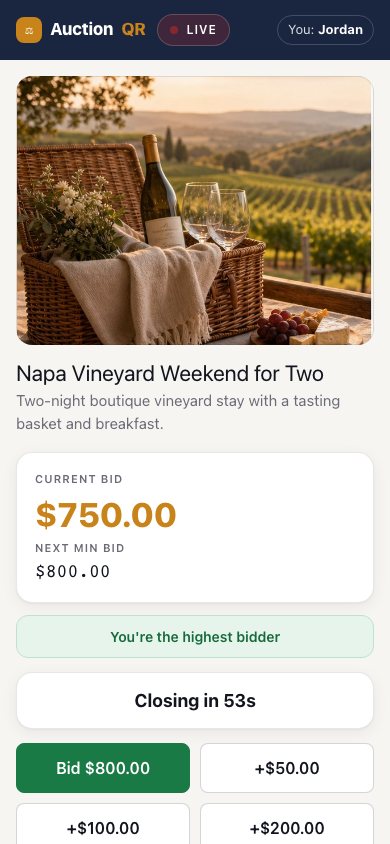
Bidders enter a nickname, then bid from a mobile-friendly page. They see the current bid, next minimum bid, quick bid buttons, and whether they are currently the highest bidder.
- No bidder registration or download.
- Each bidder's phone stores only that bidder's own participation token.
Step 5
Export results or delete the data
When the auction ends, AuctionQR shows the final result for every item. The host can download a CSV for settlement, then optionally delete the auction data for privacy.
- Sold and unsold items are shown clearly.
- CSV export uses the same results shown on screen.
- Privacy cleanup removes the auction from the active database.
Good for simple live events: AuctionQR is intentionally lightweight. It does not force account creation, payment processing, donor profiles, ticketing, or event registration into the bidding flow.
Common questions
Is AuctionQR really free?
Yes. You can create an auction and start using the live bidding workflow for free.
Do hosts need to register?
No. Create the auction from the homepage. AuctionQR gives you an admin session and a recovery code instead of forcing an account sign-up.
Do bidders need an app?
No. Bidders scan the QR code and bid from their phone browser. There is nothing to install.
Can I use one screen for the room?
Yes. Open the live screen on a projector, TV, or second browser window. It shows the QR code and live bidding state.
What happens after the auction?
The host can review results, download a CSV, and optionally delete the auction data when records are no longer needed.
Ready to try it?
Create a real auction or start with the demo. You can test the host dashboard, live screen, bidder page, and results flow in a few minutes.
Start an auction free